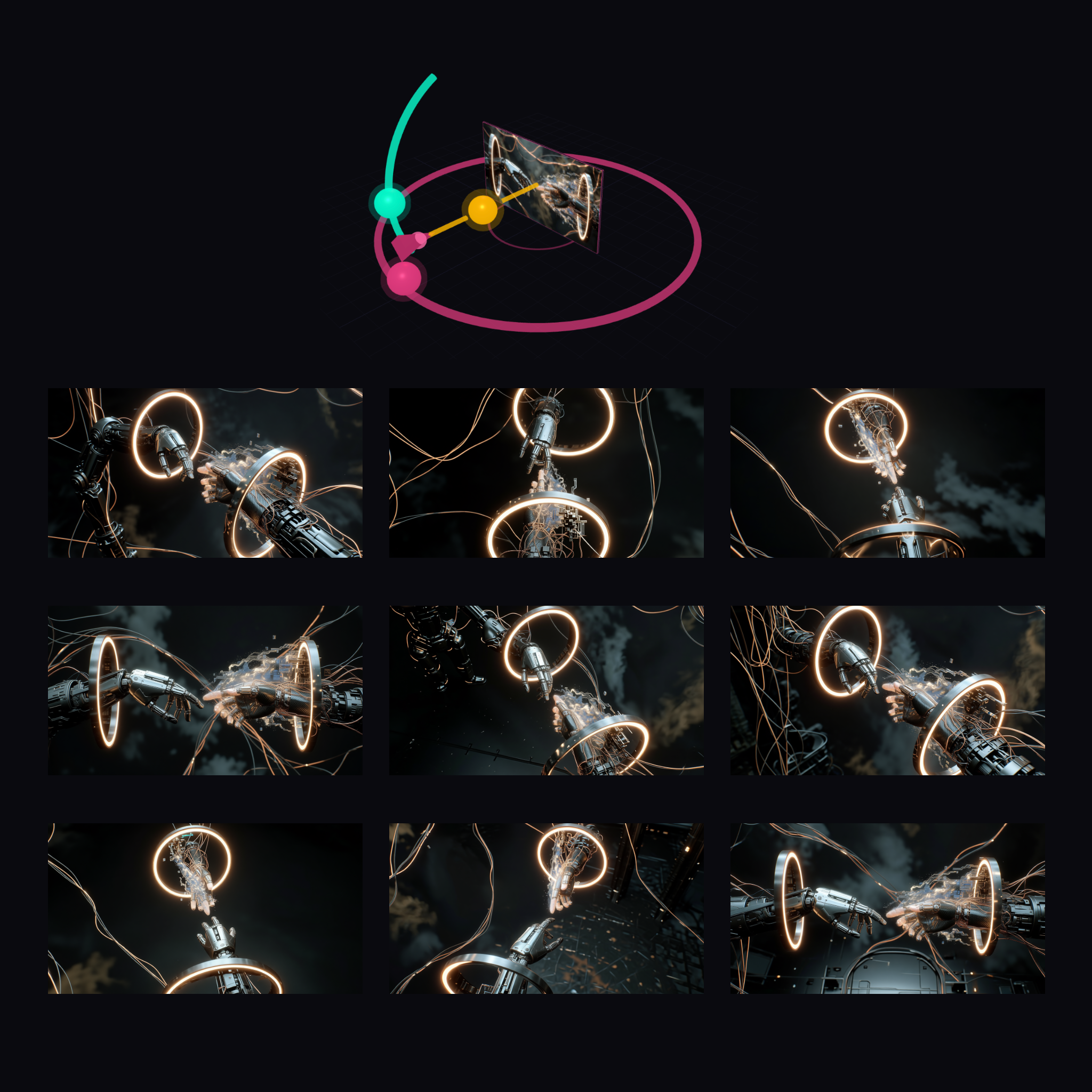
This ComfyUI workflow is designed to generate multiple camera angle variations of an input image using the QwenMultiangleCameraNode. By leveraging the power of the Qwen-Image-Edit model, this workflow allows users to explore different perspectives of an image, which can be particularly useful in fields such as product photography, virtual tours, and 3D modeling. The core of the workflow is the QwenMultiangleCameraNode, which provides a user-friendly interface to adjust camera angles and generate new image perspectives seamlessly. The workflow starts with the LoadImage node to import the initial image, then processes it through the QwenMultiangleCameraNode, and finally saves the generated images using the SaveImage node. This setup is efficient for users who need to create dynamic visual content without extensive manual editing.
API
Use this workflow from code
Every Comfy workflow is a JSON graph. The payload below is this workflow, exactly as ComfyUI runs it — fetch it from the URL, keep it in version control, or load it in ComfyUI and run it node by node.
GET https://comfy.org/workflows/download/4724032fa666.jsonFetching workflow JSON…
Run it from Python or TypeScript with the Comfy SDK. The same code targets Comfy Cloud or a ComfyUI you host yourself — only the base URL changes.
# Install (beta)
pip install comfy-sdk        # Python
npm i @comfyorg/sdk          # TypeScript

# Run "Generate Multiple Angles with 3D Camera Node" (Python)
from comfy_sdk import Comfy

client = Comfy(api_key="comfyui-...")

# This workflow, exported in API format (see note below)
wf = client.workflows.from_file("templates-qwen_multiangle.app_api.json")

asset = client.assets.from_file("input.png")
wf.set_input("1", "image", asset)  # LoadImage

job = client.run(wf)
for output in job.get_outputs("2"):  # SaveImage
    output.to_file(output.name)
The SDK takes a workflow in API format: open this workflow in ComfyUI and use File → Export Workflow (API). API access requires a Comfy Cloud plan with an API key. SDK docs · Get an API key
FAQ














