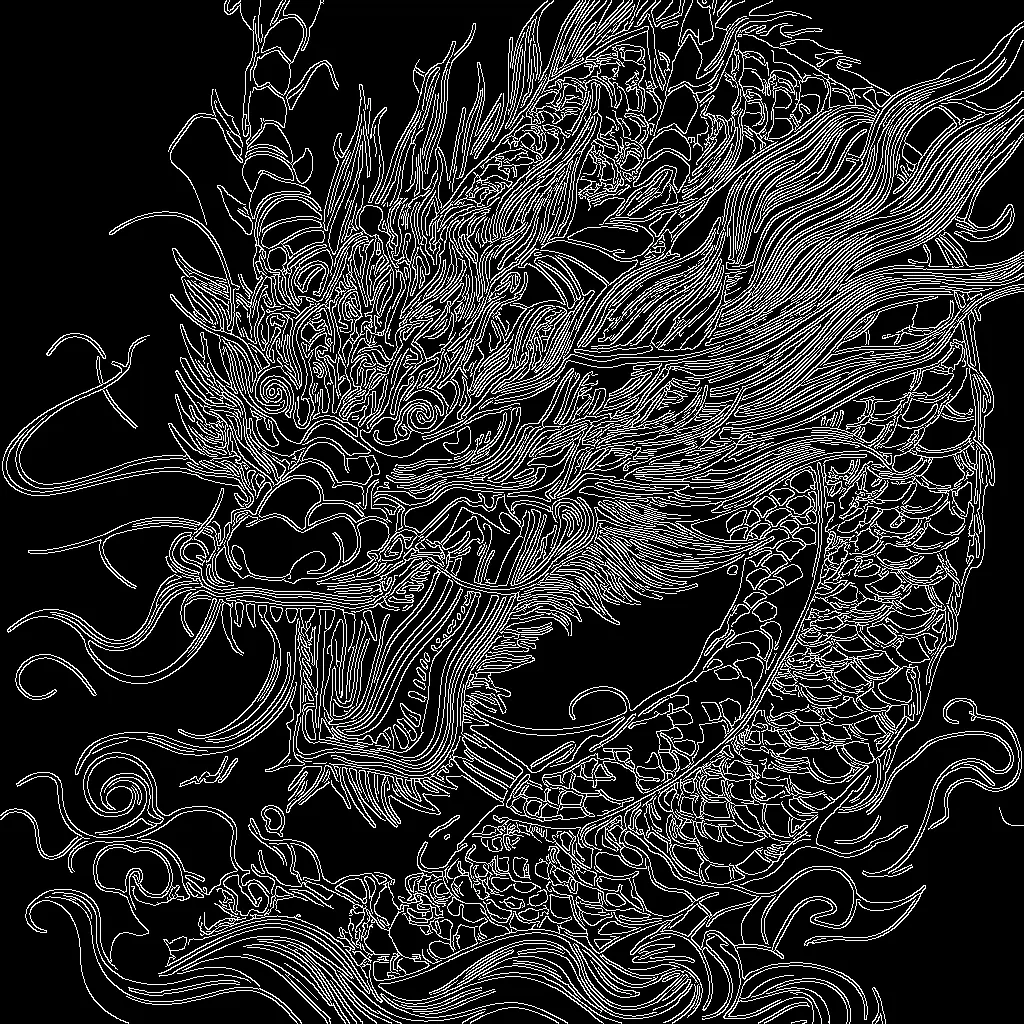

This ComfyUI workflow uses Stability AI’s SD 3.5 Large model with a Canny ControlNet to generate images that follow the structure of an input image’s edges. The pipeline loads the SD 3.5 checkpoint (CheckpointLoaderSimple) and the Canny ControlNet (ControlNetLoader), encodes your text prompt (CLIPTextEncode), and extracts a high-contrast edge map from your guide image (Canny). The edge map is applied as a structural constraint via ControlNetApplyAdvanced so the KSampler can synthesize new content that respects the outlines while still following your prompt.
Technically, the workflow creates a latent canvas at your target resolution (EmptySD3LatentImage), conditions the model with your positive prompt plus the ControlNet edge guidance, and optionally zeroes the negative prompt (ConditioningZeroOut) for simplicity. After sampling (KSampler), the result is decoded to RGB (VAEDecode), previewed (PreviewImage), and saved (SaveImage). ImageScale is included to match the Canny edge map to the chosen output size for consistent alignment. This setup is ideal when you want strong compositional control—like sticking to silhouettes or product contours—while letting SD 3.5 handle detail, texture, and style.
API
Use this workflow from code
Every Comfy workflow is a JSON graph. The payload below is this workflow, exactly as ComfyUI runs it — fetch it from the URL, keep it in version control, or load it in ComfyUI and run it node by node.
GET https://comfy.org/workflows/download/0bb057fd76e3.jsonFetching workflow JSON…
Run it from Python or TypeScript with the Comfy SDK. The same code targets Comfy Cloud or a ComfyUI you host yourself — only the base URL changes.
# Install (beta)
pip install comfy-sdk        # Python
npm i @comfyorg/sdk          # TypeScript

# Run "SD3.5 Large Canny ControlNet" (Python)
from comfy_sdk import Comfy

client = Comfy(api_key="comfyui-...")

# This workflow, exported in API format (see note below)
wf = client.workflows.from_file("sd3.5_large_canny_controlnet_example_api.json")

asset = client.assets.from_file("input.png")
wf.set_input("45", "image", asset)  # LoadImage

wf.set_input("6", "text", "crystal pink dragon on a blue mystery sky, hyperdetailed")  # CLIPTextEncode

job = client.run(wf)
for output in job.get_outputs("9"):  # SaveImage
    output.to_file(output.name)
The SDK takes a workflow in API format: open this workflow in ComfyUI and use File → Export Workflow (API). API access requires a Comfy Cloud plan with an API key. SDK docs · Get an API key
FAQ














