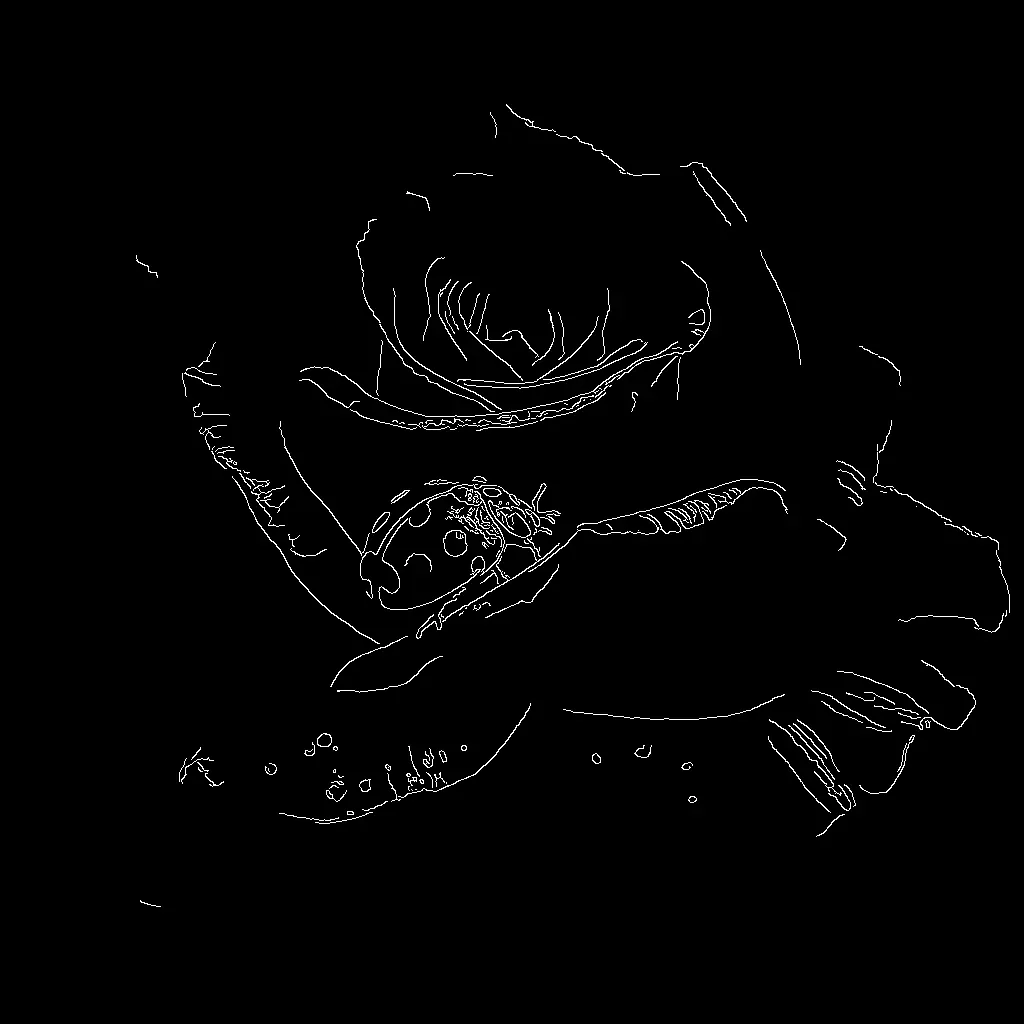

The Flux.1 Canny Model workflow in ComfyUI is designed to enhance image generation by integrating edge detection with the Flux.1 model. This workflow utilizes the Canny edge detection technique to guide the generation process, ensuring that the resulting images adhere closely to the structural outlines of the input images. The workflow employs a series of nodes, including the Canny node for edge detection, and the FluxGuidance node to incorporate these edges into the image generation process. By leveraging these nodes, users can achieve more controlled and precise image outputs, making it particularly useful for tasks that require maintaining specific structural details.
The workflow begins with loading necessary models such as Flux.1 and CLIPTextEncode for text conditioning. The KSampler node is then used to sample images based on the detected edges and the provided text prompt. The VAEDecode node helps in decoding the sampled latent space into a visible image, which is then saved using the SaveImage node. This setup is particularly beneficial for artists and designers who need to generate images that maintain the integrity of specific outlines or shapes, offering a blend of creative freedom and structural fidelity.
API
Use this workflow from code
Every Comfy workflow is a JSON graph. The payload below is this workflow, exactly as ComfyUI runs it — fetch it from the URL, keep it in version control, or load it in ComfyUI and run it node by node.
GET https://comfy.org/workflows/download/72448fe4e4b5.jsonFetching workflow JSON…
Run it from Python or TypeScript with the Comfy SDK. The same code targets Comfy Cloud or a ComfyUI you host yourself — only the base URL changes.
# Install (beta)
pip install comfy-sdk        # Python
npm i @comfyorg/sdk          # TypeScript

# Run "Flux.1 Canny Model" (Python)
from comfy_sdk import Comfy

client = Comfy(api_key="comfyui-...")

# This workflow, exported in API format (see note below)
wf = client.workflows.from_file("flux_canny_model_example_api.json")

asset = client.assets.from_file("input.png")
wf.set_input("17", "image", asset)  # LoadImage

wf.set_input("23", "text", "your prompt here")  # CLIPTextEncode

job = client.run(wf)
for output in job.get_outputs("9"):  # SaveImage
    output.to_file(output.name)
The SDK takes a workflow in API format: open this workflow in ComfyUI and use File → Export Workflow (API). API access requires a Comfy Cloud plan with an API key. SDK docs · Get an API key
FAQ














