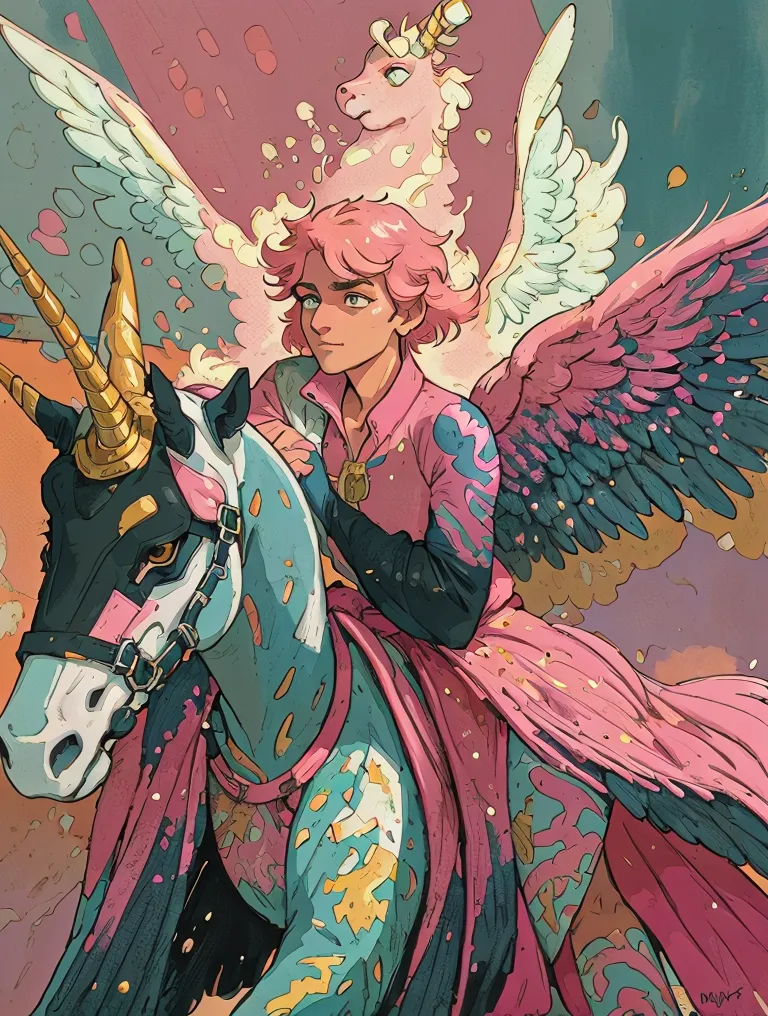

The 'Magnific: Style Reference' workflow is designed to blend the artistic style of a reference image with the structural elements of a target image, creating a unique and visually appealing result. This workflow leverages the capabilities of the Magnific model, which is specialized in style transfer tasks. It uses a combination of nodes, including LoadImage for importing both the target and style reference images, and the MagnificImageStyleTransferNode to perform the actual style merging process. Finally, the SaveImage node is used to output the newly generated image. This process is particularly useful for artists and designers looking to infuse new stylistic elements into existing images without altering their fundamental structure.
API
Use this workflow from code
Every Comfy workflow is a JSON graph. The payload below is this workflow, exactly as ComfyUI runs it — fetch it from the URL, keep it in version control, or load it in ComfyUI and run it node by node.
GET https://comfy.org/workflows/download/d82f4527c76a.jsonFetching workflow JSON…
Run it from Python or TypeScript with the Comfy SDK. The same code targets Comfy Cloud or a ComfyUI you host yourself — only the base URL changes.
# Install (beta)
pip install comfy-sdk        # Python
npm i @comfyorg/sdk          # TypeScript

# Run "Magnific: Style Reference" (Python)
from comfy_sdk import Comfy

client = Comfy(api_key="comfyui-...")

# This workflow, exported in API format (see note below)
wf = client.workflows.from_file("api_magnific_image_style_transfer_api.json")

asset = client.assets.from_file("input.png")
wf.set_input("11", "image", asset)  # LoadImage

job = client.run(wf)
for output in job.get_outputs("14"):  # SaveImage
    output.to_file(output.name)
The SDK takes a workflow in API format: open this workflow in ComfyUI and use File → Export Workflow (API). API access requires a Comfy Cloud plan with an API key. SDK docs · Get an API key
FAQ














