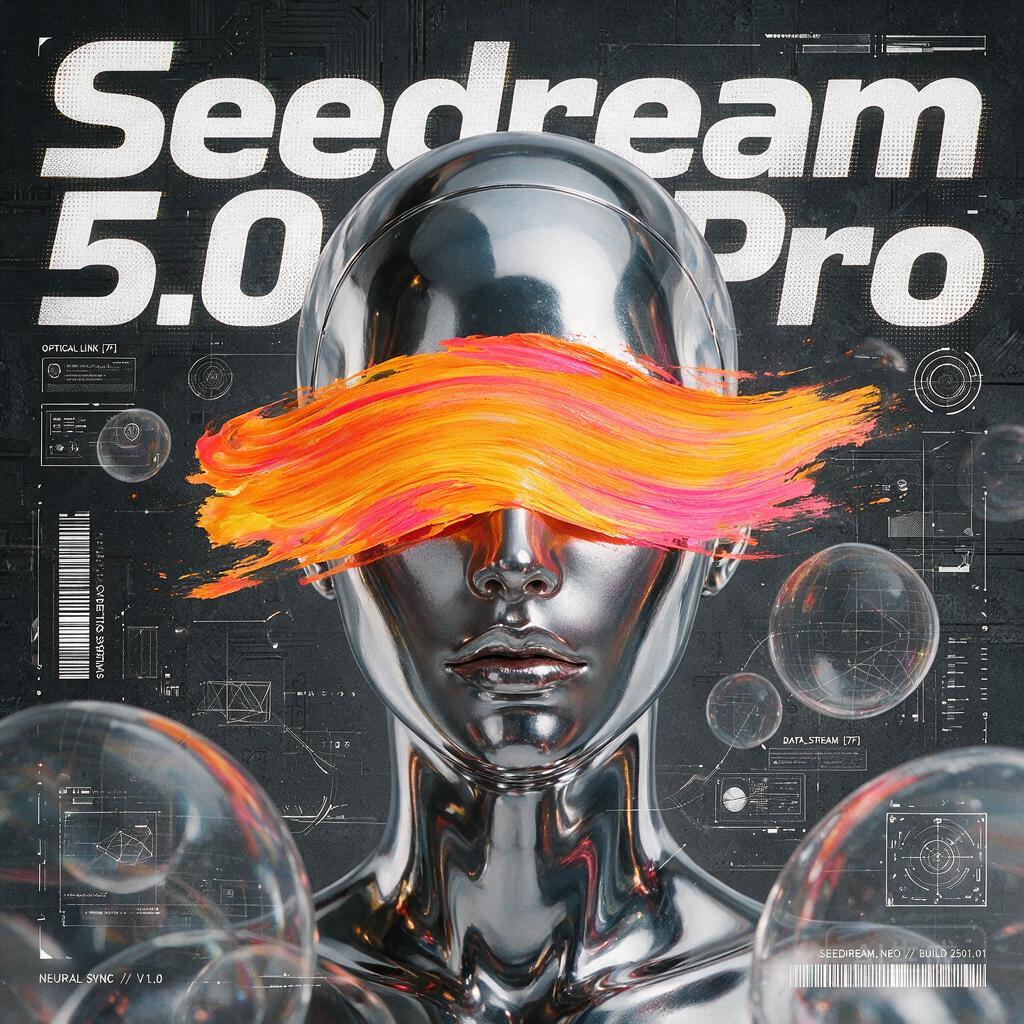
This workflow turns your text prompt into a single, high-quality image using ByteDance’s Seedream 5.0 Pro model, wrapped by the ByteDanceSeedreamNodeV2. You type your prompt, optionally set a seed and resolution, and the node makes an API call to Seedream 5.0 Pro to generate one image. The result is then passed to SaveImageAdvanced, which writes the output to disk with your chosen filename pattern and folder.
Technically, ByteDanceSeedreamNodeV2 handles prompt text and common generation controls such as seed (for reproducibility) and image size (width/height supported by the API). Many versions of this node also expose guidance (CFG) and steps; if available in your build, you can fine-tune detail and prompt adherence. The node returns the generated image tensor, which SaveImageAdvanced persists according to your output directory and naming settings. This design keeps the graph minimal and focused: one model call for a clean, single-image result, ideal for fast iteration on concept art, mockups, and design ideation.
API
Use this workflow from code
Every Comfy workflow is a JSON graph. The payload below is this workflow, exactly as ComfyUI runs it — fetch it from the URL, keep it in version control, or load it in ComfyUI and run it node by node.
GET https://comfy.org/workflows/download/a262dd6de9ce.jsonFetching workflow JSON…
Run it from Python or TypeScript with the Comfy SDK. The same code targets Comfy Cloud or a ComfyUI you host yourself — only the base URL changes.
# Install (beta)
pip install comfy-sdk        # Python
npm i @comfyorg/sdk          # TypeScript

# Run this workflow (Python)
from comfy_sdk import Comfy

client = Comfy(api_key="comfyui-...")
wf = client.workflows.from_file("workflow_api.json")
job = client.run(wf)
for output in job.get_outputs("<output-node-id>"):
    output.to_file(output.name)
The SDK takes a workflow in API format: open this workflow in ComfyUI and use File → Export Workflow (API). API access requires a Comfy Cloud plan with an API key. SDK docs · Get an API key
FAQ














