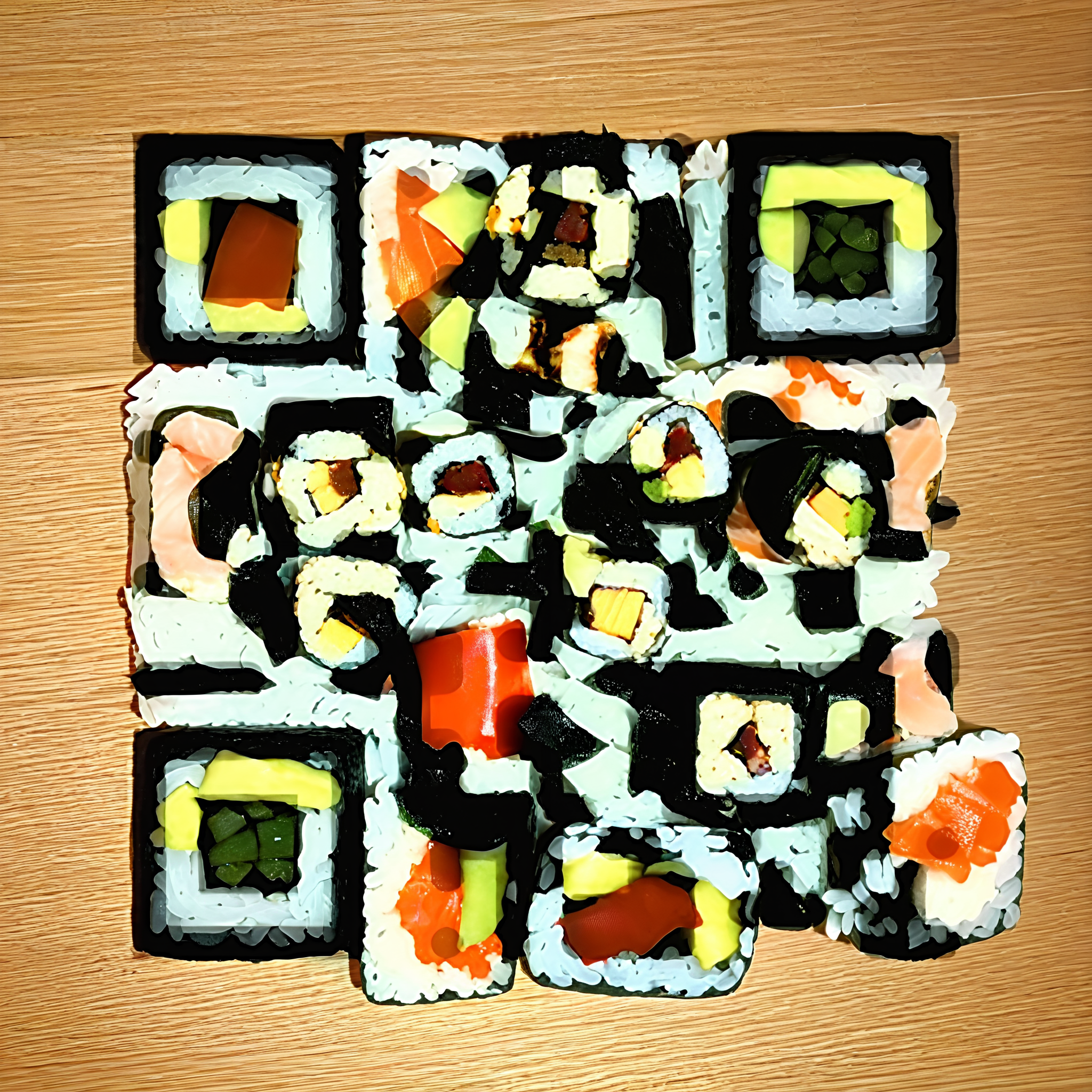
This workflow turns a plain QR code into a stylized image where the code pattern is blended into textures, shadows, and shapes rather than overlaid on top. You provide a link (or any QR payload) and either a text prompt or a reference image to describe the look you want. The system produces an artwork that still scans reliably with a phone camera while looking polished enough for posters, album covers, business cards, or product labels.
Technically, the heavy lifting happens in a single custom node (UUID: 323b0c6a-e2f0-42c3-93b4-36b7878136fd). This node encodes your URL into a QR matrix, then synthesizes or stylizes an image so local contrast and edges align with the QR modules, preserving a readable pattern inside the composition. You can balance aesthetics and readability by adjusting style strength and QR visibility. The final image is written to disk by the SaveImage node as a PNG in ComfyUI's output folder.
API
Use this workflow from code
Every Comfy workflow is a JSON graph. The payload below is this workflow, exactly as ComfyUI runs it — fetch it from the URL, keep it in version control, or load it in ComfyUI and run it node by node.
GET https://comfy.org/workflows/download/9fbb34bb59b3.jsonFetching workflow JSON…
Run it from Python or TypeScript with the Comfy SDK. The same code targets Comfy Cloud or a ComfyUI you host yourself — only the base URL changes.
# Install (beta)
pip install comfy-sdk        # Python
npm i @comfyorg/sdk          # TypeScript

# Run this workflow (Python)
from comfy_sdk import Comfy

client = Comfy(api_key="comfyui-...")
wf = client.workflows.from_file("workflow_api.json")
job = client.run(wf)
for output in job.get_outputs("<output-node-id>"):
    output.to_file(output.name)
The SDK takes a workflow in API format: open this workflow in ComfyUI and use File → Export Workflow (API). API access requires a Comfy Cloud plan with an API key. SDK docs · Get an API key
FAQ














