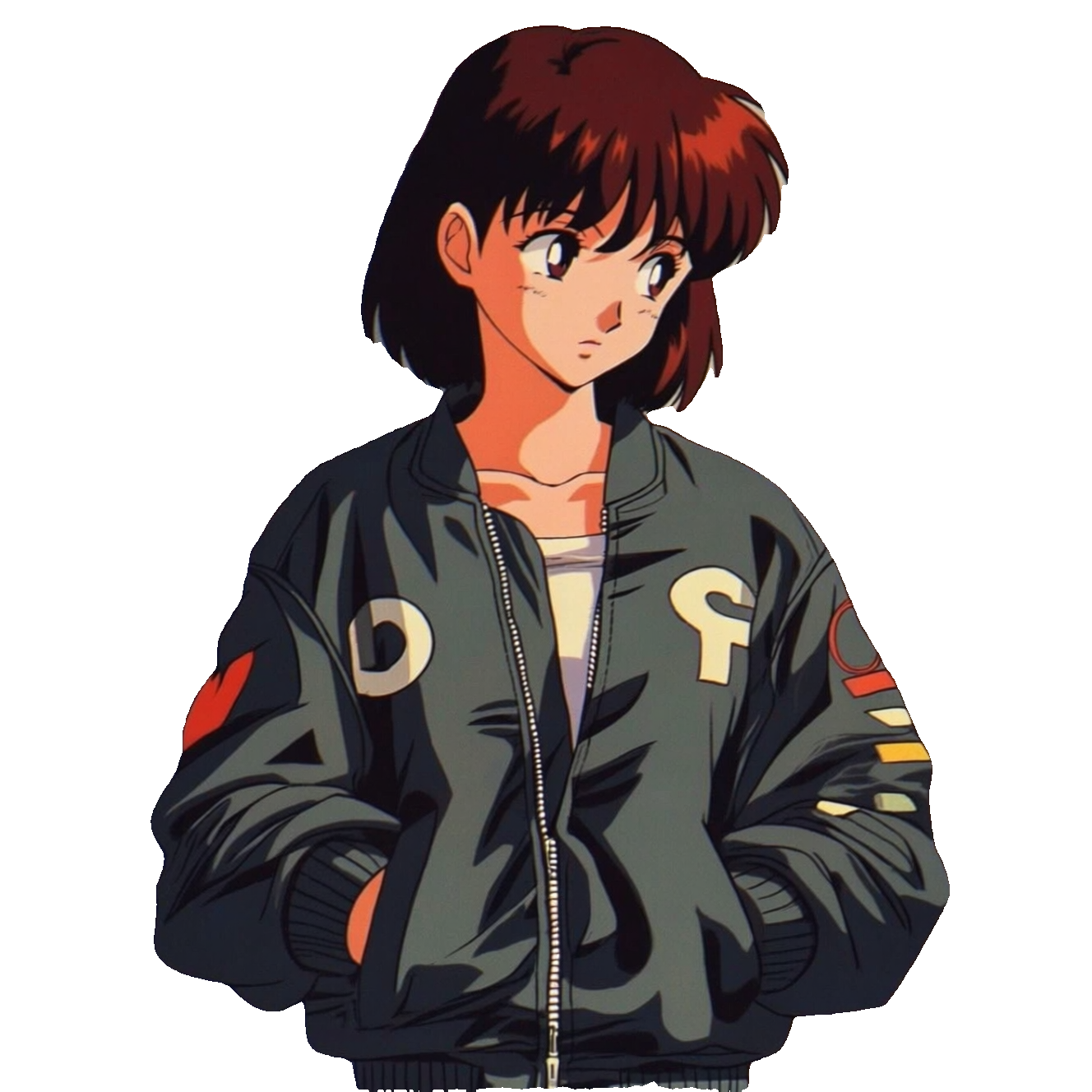
This ComfyUI workflow isolates a subject from any image using a simple text prompt and exports a PNG with a transparent background. It links a LoadImage node to a SAM3Segment node, then into SaveImage. You type what you want to keep (for example, "character", "dog", or "red car"), and the SAM3Segment node generates a precise foreground mask and applies it as an alpha channel so everything else becomes transparent.
Technically, SAM3Segment performs prompt-aware segmentation over the input image, producing a binary mask for regions that best match the prompt. That mask is composited with the original RGB to produce an RGBA cutout. Because the node is designed to work well out of the box, most settings can remain at their defaults. The included MarkdownNote provides a quick reminder of the two essentials: connect an image and provide a clear prompt. SaveImage then writes the final cutout as a PNG, preserving transparency for downstream compositing in design, video, or web workflows.
API
Use this workflow from code
Every Comfy workflow is a JSON graph. The payload below is this workflow, exactly as ComfyUI runs it — fetch it from the URL, keep it in version control, or load it in ComfyUI and run it node by node.
GET https://comfy.org/workflows/download/9be3d7110c75.jsonFetching workflow JSON…
Run it from Python or TypeScript with the Comfy SDK. The same code targets Comfy Cloud or a ComfyUI you host yourself — only the base URL changes.
# Install (beta)
pip install comfy-sdk        # Python
npm i @comfyorg/sdk          # TypeScript

# Run this workflow (Python)
from comfy_sdk import Comfy

client = Comfy(api_key="comfyui-...")
wf = client.workflows.from_file("workflow_api.json")
job = client.run(wf)
for output in job.get_outputs("<output-node-id>"):
    output.to_file(output.name)
The SDK takes a workflow in API format: open this workflow in ComfyUI and use File → Export Workflow (API). API access requires a Comfy Cloud plan with an API key. SDK docs · Get an API key
FAQ














