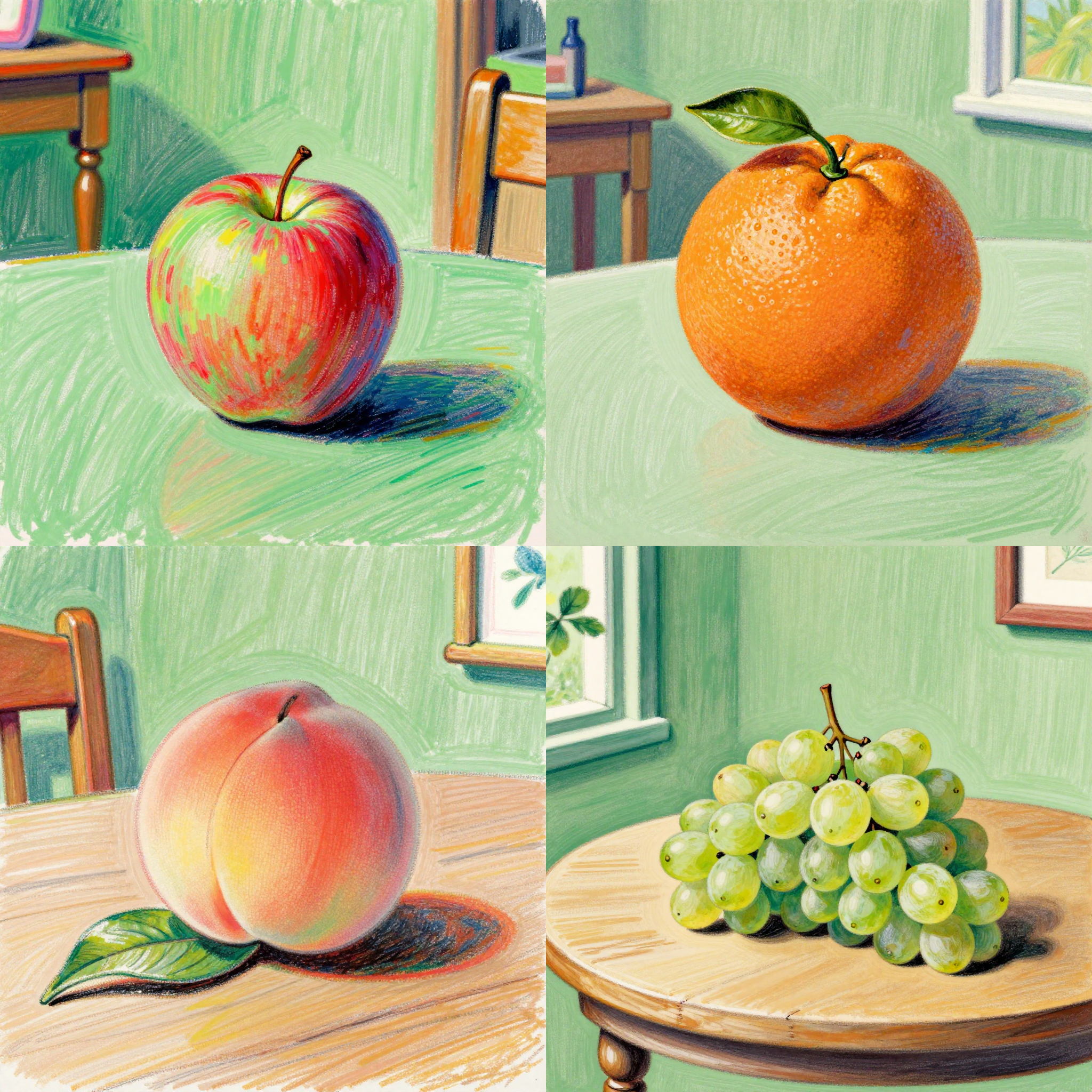
The 'fl_prompt_selector' workflow is designed to efficiently iterate through a list of prompts, making it a versatile tool for generating a variety of text-based inputs for both image and video generation tasks. At the core of this workflow is the **FL Prompt Selector** node, which constructs each prompt by combining a predefined 'prepend_text', a line from the 'prompts' list, and 'append_text'. This structured approach allows for the creation of detailed and varied prompts, such as 'a 1960s fine art crayon illustration of **an apple** sitting on a table in a green room'. This workflow is particularly useful for artists and content creators who need to explore multiple creative directions quickly. The workflow also includes nodes like **PrimitiveInt** for managing iterations, **SaveImage** for outputting results, and **MarkdownNote** for annotating the process, providing a comprehensive setup for automated prompt generation and content creation.
API
Use this workflow from code
Every Comfy workflow is a JSON graph. The payload below is this workflow, exactly as ComfyUI runs it — fetch it from the URL, keep it in version control, or load it in ComfyUI and run it node by node.
GET https://comfy.org/workflows/download/6e099b1a7822.jsonFetching workflow JSON…
Run it from Python or TypeScript with the Comfy SDK. The same code targets Comfy Cloud or a ComfyUI you host yourself — only the base URL changes.
# Install (beta)
pip install comfy-sdk        # Python
npm i @comfyorg/sdk          # TypeScript

# Run this workflow (Python)
from comfy_sdk import Comfy

client = Comfy(api_key="comfyui-...")
wf = client.workflows.from_file("workflow_api.json")
job = client.run(wf)
for output in job.get_outputs("<output-node-id>"):
    output.to_file(output.name)
The SDK takes a workflow in API format: open this workflow in ComfyUI and use File → Export Workflow (API). API access requires a Comfy Cloud plan with an API key. SDK docs · Get an API key
FAQ














