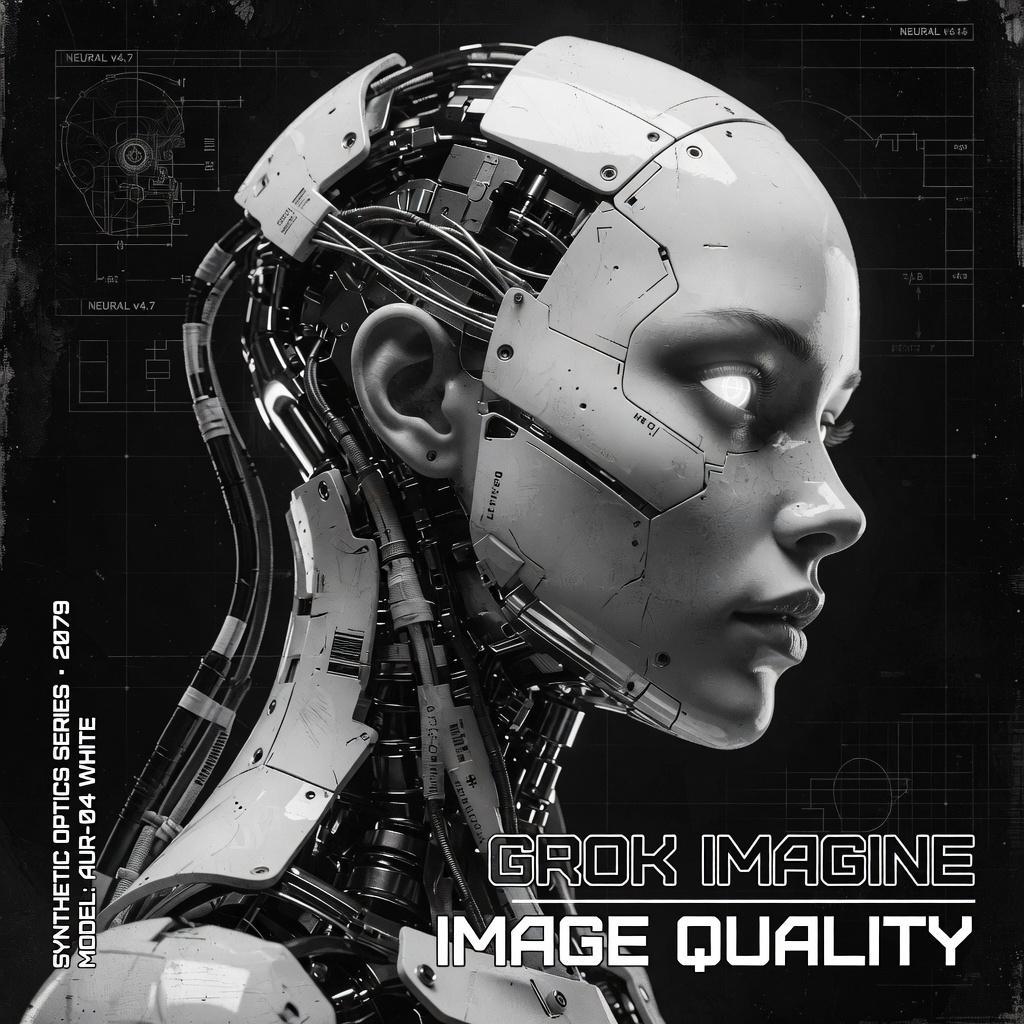
This ComfyUI workflow uses GrokImageNode to generate images from text prompts via the Grok Imagine API, then saves the results with SaveImage. It’s designed for cases where you want clean, readable text inside images (signage, posters, UI mockups) alongside strong visual detail. The pipeline is intentionally minimal—prompt in, image out—so you can focus on prompt craft and rapid iteration.
Technically, GrokImageNode sends your prompt and any parameters exposed by the node (such as aspect ratio/dimensions, seed or image count, depending on your build) to the remote Grok Imagine model, returning a generated image tensor to ComfyUI. The SaveImage node then writes that image to ComfyUI’s output directory using your chosen filename prefix. The result is a straightforward, reliable text-to-image flow that leverages an external API for quality and better text rendering, while keeping all the convenience of ComfyUI’s node-based workspace.
API
Use this workflow from code
Every Comfy workflow is a JSON graph. The payload below is this workflow, exactly as ComfyUI runs it — fetch it from the URL, keep it in version control, or load it in ComfyUI and run it node by node.
GET https://comfy.org/workflows/download/6be2f4df213a.jsonFetching workflow JSON…
Run it from Python or TypeScript with the Comfy SDK. The same code targets Comfy Cloud or a ComfyUI you host yourself — only the base URL changes.
# Install (beta)
pip install comfy-sdk        # Python
npm i @comfyorg/sdk          # TypeScript

# Run this workflow (Python)
from comfy_sdk import Comfy

client = Comfy(api_key="comfyui-...")
wf = client.workflows.from_file("workflow_api.json")
job = client.run(wf)
for output in job.get_outputs("<output-node-id>"):
    output.to_file(output.name)
The SDK takes a workflow in API format: open this workflow in ComfyUI and use File → Export Workflow (API). API access requires a Comfy Cloud plan with an API key. SDK docs · Get an API key
FAQ














