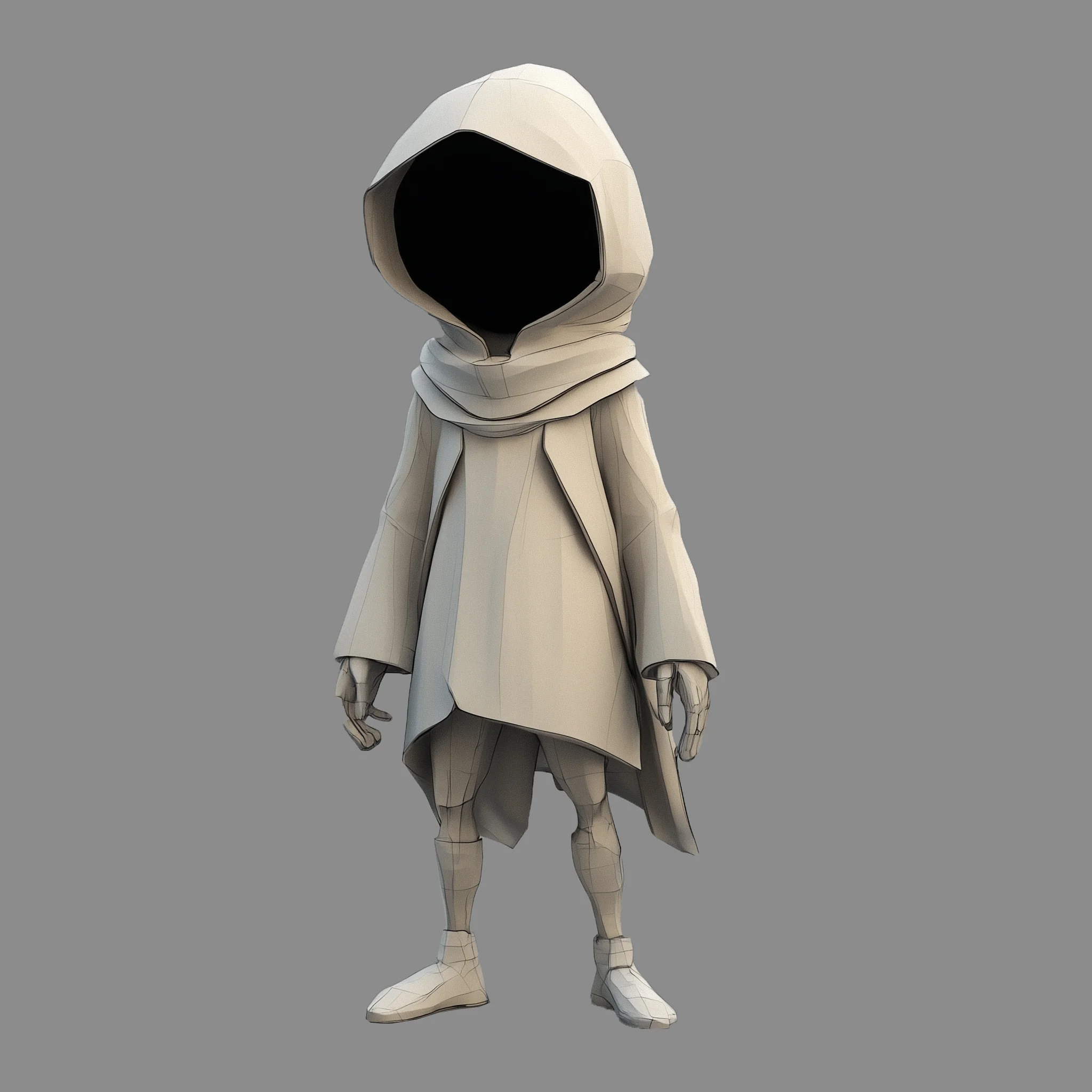

The HY 3D 2.0 MV Turbo workflow is designed to transform multiple 2D images into a cohesive 3D model using the advanced Hunyuan3D 2.0 MV Turbo model. This workflow leverages a series of specialized nodes such as KSampler, CLIPVisionEncode, and VAEDecodeHunyuan3D to process and synthesize images from different angles into a detailed 3D representation. The process starts with the ImageOnlyCheckpointLoader and LoadImage nodes, which import and prepare your images. The Hunyuan3Dv2ConditioningMultiView node then conditions these images, ensuring that the 3D model reflects accurate spatial relationships and textures. Finally, the VoxelToMesh node converts the processed data into a mesh format, ready for export via the SaveGLB node.
Technically, this workflow excels by using multi-view conditioning to enhance the depth and realism of the generated 3D models. The integration of Tencent's Hunyuan3D model ensures high fidelity in capturing intricate details from the input images. This makes the workflow particularly useful for applications in virtual reality, game development, and digital content creation, where realistic 3D models are essential. The flexibility of nodes like ModelSamplingAuraFlow and FluxGuidance allows users to fine-tune the output, achieving the best possible results tailored to specific needs.
API
Use this workflow from code
Every Comfy workflow is a JSON graph. The payload below is this workflow, exactly as ComfyUI runs it — fetch it from the URL, keep it in version control, or load it in ComfyUI and run it node by node.
GET https://comfy.org/workflows/download/dce6a906dc66.jsonFetching workflow JSON…
Run it from Python or TypeScript with the Comfy SDK. The same code targets Comfy Cloud or a ComfyUI you host yourself — only the base URL changes.
# Install (beta)
pip install comfy-sdk        # Python
npm i @comfyorg/sdk          # TypeScript

# Run "HY 3D 2.0 MV Turbo" (Python)
from comfy_sdk import Comfy

client = Comfy(api_key="comfyui-...")

# This workflow, exported in API format (see note below)
wf = client.workflows.from_file("3d_hunyuan3d_multiview_to_model_turbo_api.json")

asset = client.assets.from_file("input.png")
wf.set_input("82", "image", asset)  # LoadImage

job = client.run(wf)
for output in job.get_outputs("67"):  # SaveGLB
    output.to_file(output.name)
The SDK takes a workflow in API format: open this workflow in ComfyUI and use File → Export Workflow (API). API access requires a Comfy Cloud plan with an API key. SDK docs · Get an API key
FAQ














