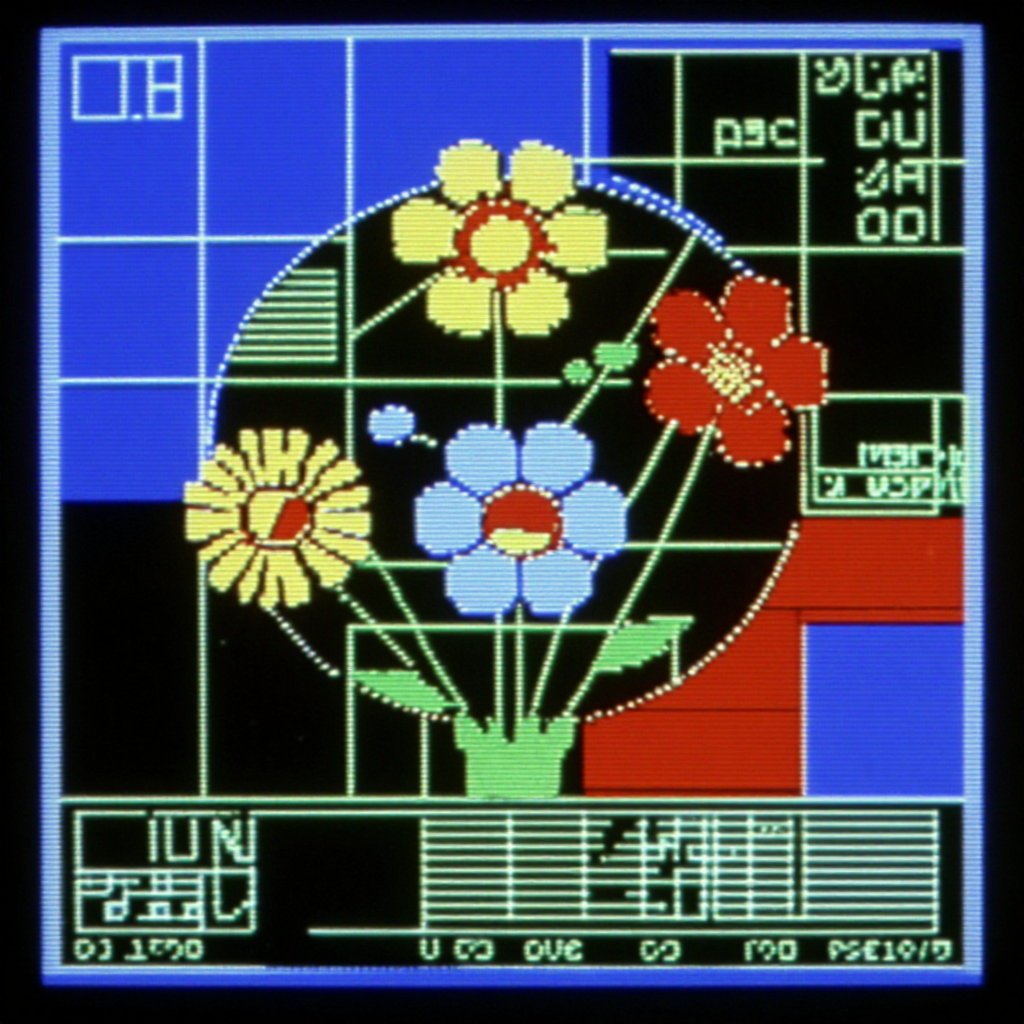
This workflow generates retro, old‑school HUD graphics from text prompts by combining a style LoRA with a turbo sampler for rapid iteration. The "Oldschool Hud Graphics" LoRA steers the base checkpoint toward geometric UI motifs—reticles, gridlines, rings, readouts—while the Z‑Image Turbo node accelerates sampling for fast previews and quick style exploration. BatchImagesNode lets you spin up variations in one pass, and SaveImage captures your chosen frames. When you’re ready to animate, CreateVideo and SaveVideo assemble your batch into a short motion clip.
Under the hood, your prompt is encoded and fed to the base model with the LoRA applied at a user‑set weight, biasing attention layers toward the HUD aesthetic. Z‑Image Turbo then samples with low step counts for speed, which you can tune for crisper lines or more detail. Keep the LoRA weight moderate to strong to emphasize the graphic look, and pair it with concise prompts (e.g., "retro heads‑up display, concentric circles, grid overlay, monochrome green") plus a negative prompt to suppress photoreal clutter. The included MarkdownNote contains in‑graph tips, while the custom nodes (listed by UUID) handle the LoRA/Turbo plumbing so you can focus on prompts, batch size (BatchImagesNode), and output (SaveImage/SaveVideo).
API
Use this workflow from code
Every Comfy workflow is a JSON graph. The payload below is this workflow, exactly as ComfyUI runs it — fetch it from the URL, keep it in version control, or load it in ComfyUI and run it node by node.
GET https://comfy.org/workflows/download/36794f399aa0.jsonFetching workflow JSON…
Run it from Python or TypeScript with the Comfy SDK. The same code targets Comfy Cloud or a ComfyUI you host yourself — only the base URL changes.
# Install (beta)
pip install comfy-sdk        # Python
npm i @comfyorg/sdk          # TypeScript

# Run this workflow (Python)
from comfy_sdk import Comfy

client = Comfy(api_key="comfyui-...")
wf = client.workflows.from_file("workflow_api.json")
job = client.run(wf)
for output in job.get_outputs("<output-node-id>"):
    output.to_file(output.name)
The SDK takes a workflow in API format: open this workflow in ComfyUI and use File → Export Workflow (API). API access requires a Comfy Cloud plan with an API key. SDK docs · Get an API key
FAQ














